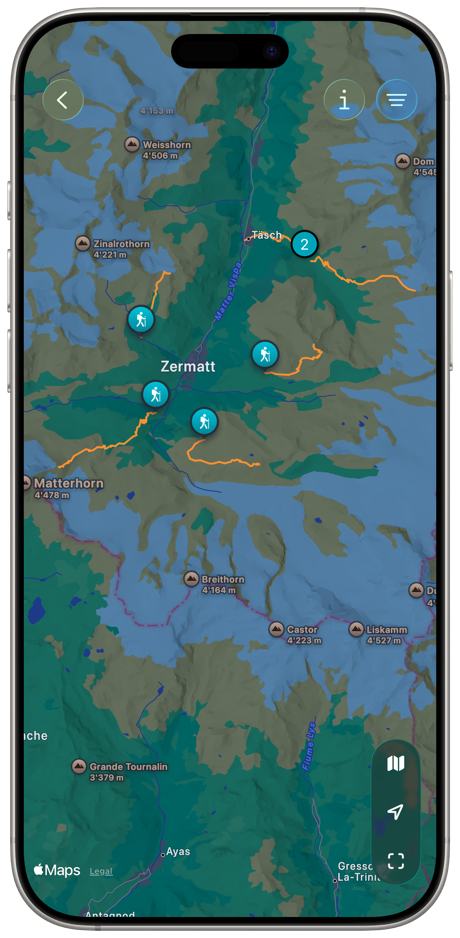
All routes on a single map
Find your workout quickly. Then tap on an icon or anywhere on the route to get all the details.
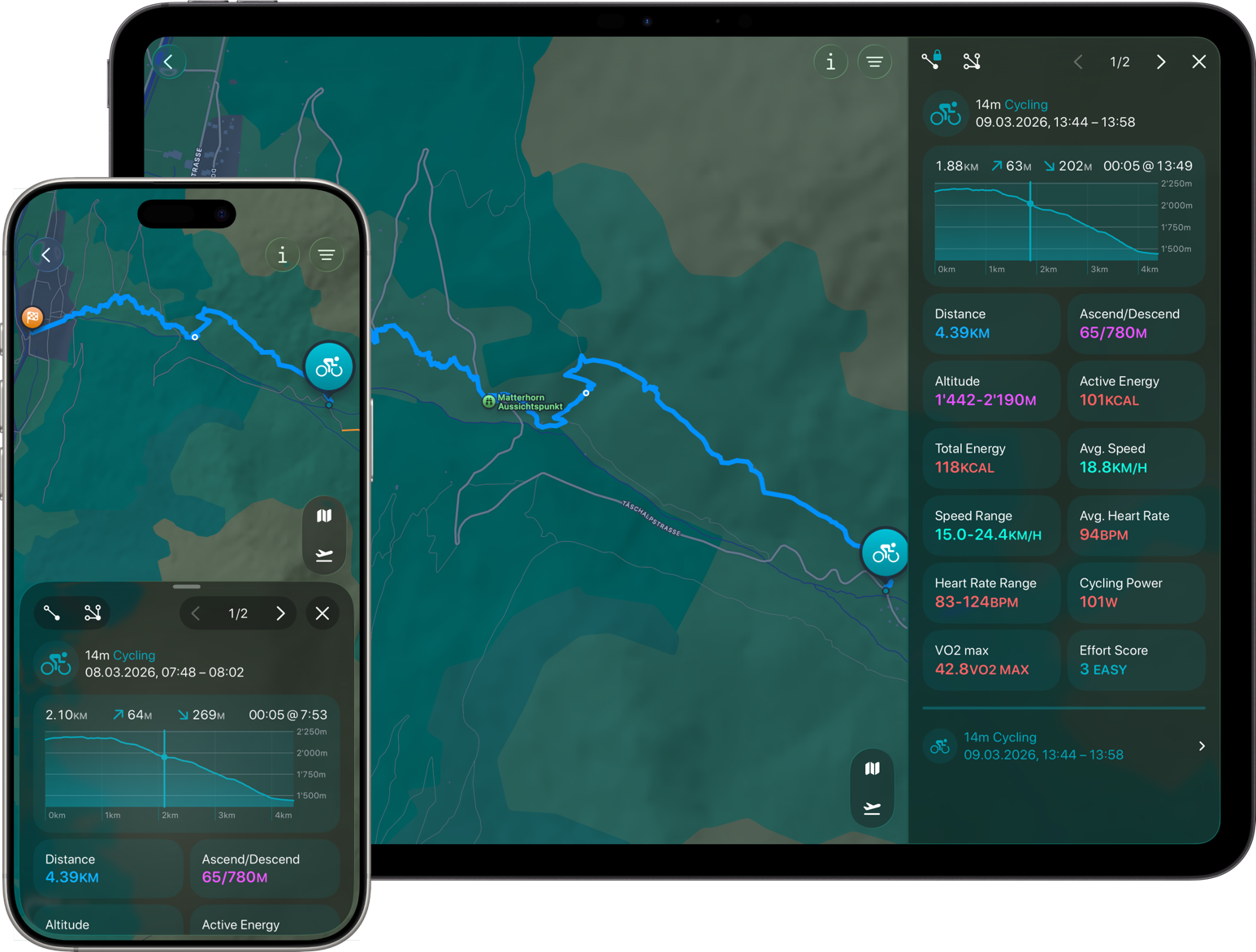
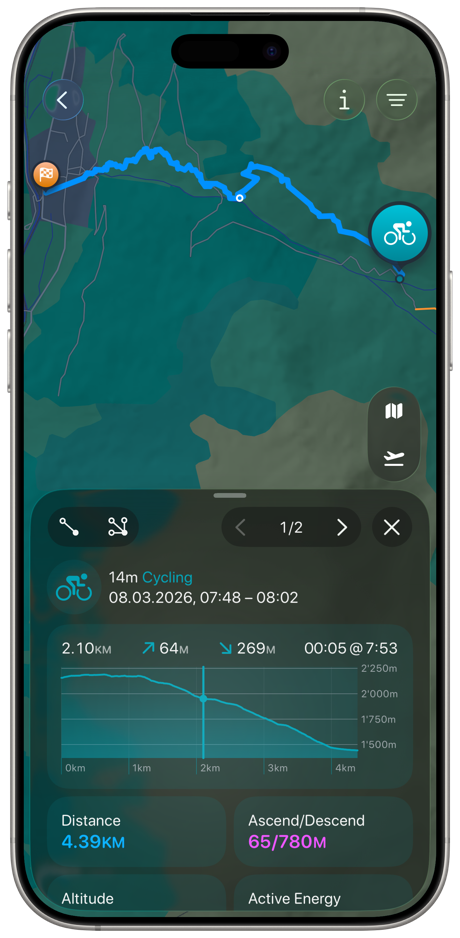
Interactive elevation profile
Press and hold for a second, then move your finger sideways. You will immediately see the corresponding point on the map.
Statistics
Gain more insight into your workouts.
Navigate to your workouts by activity and metrics and view them on the map.
All routes on a single map
Find your workout quickly. Then tap on an icon or anywhere on the route to get all the details.

Tap on route
You can tap anywhere on a route to select it. If routes overlap at this point, you can switch between them in the details view.
Filter workouts
Filter your workouts by date and/or workout type.
Map type
Switch the map presentation.
Location
Pan the map to your location, if you permitted access.
Show all routes
Zooms to show all your workout routes. Depends on your filter settings.
Zoom to cluster
Zooms the map to show all routes of your current selection.
Flyover
Start the flyover of your selected route.
Altitude
Select the altitude of your flight to see more or fewer details along the route.